Due dates, not legal decisions
Privacy Requests can help teams track due dates, but your team still makes the final call.
Product
Privacy Requests gives your team one place to receive requests, review them, get help from others, send the response, and keep a record.
Inside the workspace
An access request usually needs more than one person: someone to review it, someone to find records, and someone to approve the response. Each handoff stays connected to the case, so the owner can see what is ready and what still needs attention.
Request flow
Instead of turning every request into a custom project, Privacy Requests keeps the handoffs simple and the record complete.
Operational control
Your team can see what came in, who owns it, what is blocked, what has been approved, and what still needs attention before a response goes out.
Privacy Requests can help teams track due dates, but your team still makes the final call.
Verification, disclosure, deletion, correction, response approval, and closure stay reviewable.
Important actions create a history so your team can review how a request was handled later.
Daily operations
A case list is not enough when deadlines, handoffs, and approvals compete for attention. Privacy Requests gives the team a clear operating view of what is due, blocked, unassigned, or ready for the next step.
Open focused views for overdue work, unassigned requests, verification, response approval, or the queues your team returns to every day.
Set reminder thresholds and send alerts before a deadline becomes an overdue request.
Track active work, overdue cases, completion time, and recent closures without rebuilding the picture in a spreadsheet.
Configured intake
Free includes one portal. Team and Business add multiple portals and custom intake; paid upgrades are currently unavailable. Each flow can collect the right details, show the right guidance, suggest a jurisdiction for your team to review, and route the new case to the right team.
What is included
Give people a clear way to send a request and reduce incomplete messages in personal inboxes.
Sort by status, owner, request type, and other context that helps the team act quickly.
Turn follow-up into assigned work instead of informal reminders.
Prepare consistent response language while still leaving final review with your team.
Share sensitive response materials with expiring links, revocation, passcodes, and access history.
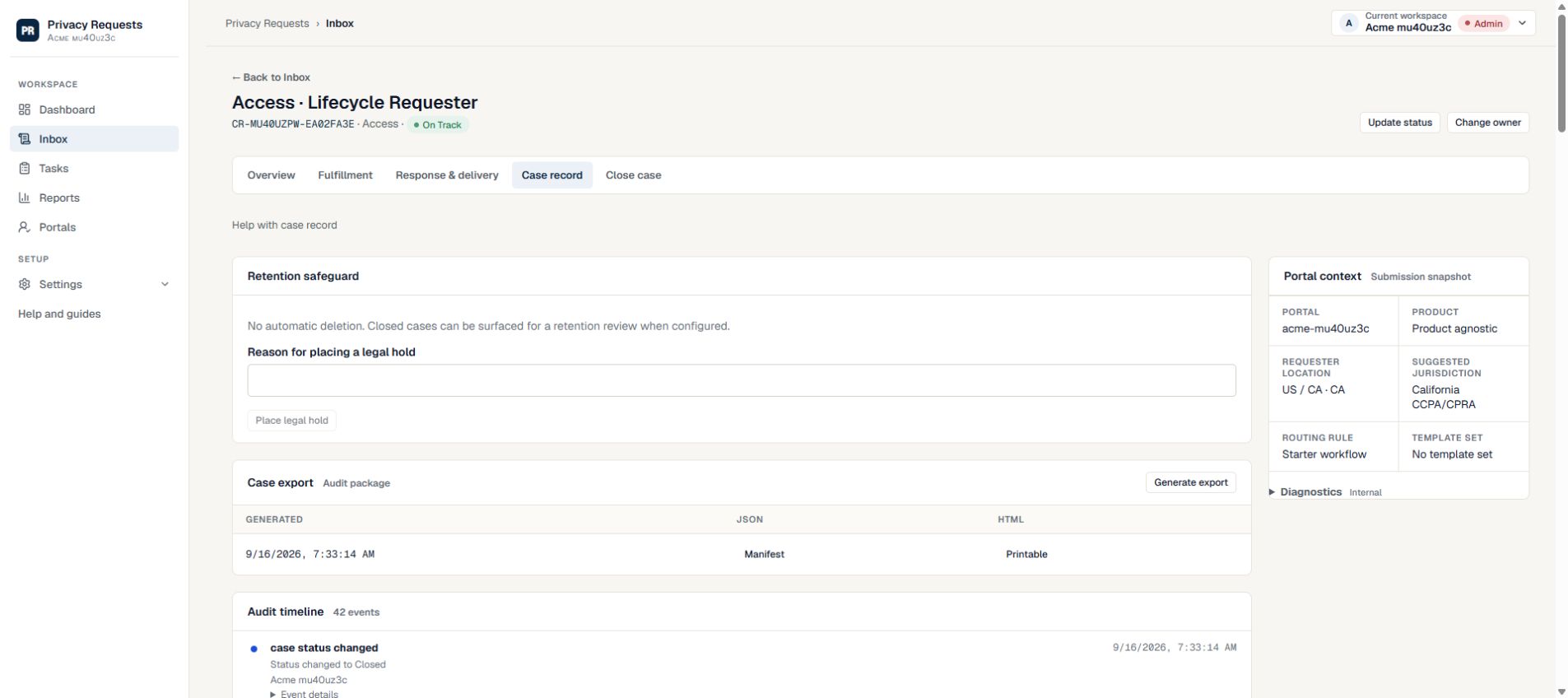
Keep the timeline, status changes, owner changes, delivery actions, and closure notes together.
Give requesters a secure status link with a clear next step, while keeping internal notes and case materials private.
Use review checklists and human approval before sending a response. Attachment checks flag potentially sensitive information for reviewers to check.
Before closing a case, confirm that verification, fulfillment, approval, delivery evidence, and the export record are complete.
People and boundaries
Give each person the access they need and rehearse the review handoff before your first live response.
| Responsibility | Work in Privacy Requests | Work your team still owns |
|---|---|---|
| Administration | Invite members, configure portals, and manage workspace settings. | Decide who should have access and keep membership current. |
| Case ownership | Review identity, assign work, prepare the response, and coordinate delivery. | Decide scope and handling, with advice where needed. |
| Contribution | Complete assigned tasks and attach findings to the case. | Search or change records in the relevant source systems. |
| Response approval | Approve your own response, or use designated reviewers for a separate approval step. | Review the proposed disclosure and document the decision. |
Privacy Requests coordinates request handling. It does not automatically discover personal data across your systems, carry out deletions, or decide whether a response meets a legal obligation.
Get started
Start with a hosted portal and a simple process. Add more structure as your team needs it.