Getting started
A practical path to your first privacy request
Set up the people, the request form, and the handoffs together. This checklist helps you move from evaluating the product to a workflow your team can actually run.
01 / Prepare
Agree on who owns the work
Before publishing a form, choose a person to monitor incoming requests and someone authorized to review the response. For a small team, the case owner may also administer the workspace. Self-review lets an Admin or Privacy Manager approve their own response. Add a designated reviewer or an ordered approval chain when your team needs a separate review.
List the places your team will need to check: the customer database, support system, billing records, and any other source relevant to your business. Give each source a person who knows how to search it.
Bring these details
- Company name and a monitored privacy contact email.
- Your request owner and response reviewer.
- The products people may submit requests about.
- A starting list of data sources and their owners.
- Your team's process for reviewing identity, scope, and deadlines.
Check security and review materials before adding sensitive data.
02 / Configure
Build a clear front door and a manageable inbox
Start with the simplest setup your team can support. Add product-specific forms and assignment rules when there is a real difference in how requests are handled.
- Create the workspace and choose review settings.An Admin or Privacy Manager can self-review. If you designate a reviewer, check that their invitation has been accepted and they can access the workspace.
- Set up the hosted portal.Choose the public name, support address, request types, and guidance. Ask only for details the team needs to understand and locate the request.
- Check suggested deadline settings.Configure the jurisdictions your team uses. Review the suggestion on each case and record a reason when changing it; the app does not decide which law applies.
- Identify data sources and assign tasks.On Free, write manual tasks in each case. Team adds system inventory and reusable templates. Describe the systems people need to check. Tasks coordinate human work; they do not automatically search or delete records in those systems.
03 / Rehearse
Try the full handoff with fictional data
Use the guided practice request before handling a live case. Work through verification, a collection task, response preparation, reviewer approval, and simulated delivery. Include your real teammate in the review step so you can check the handoff together.
The practice workflow is isolated from operational reporting and does not send requester emails. It helps you learn the controls; it does not prove external email delivery or replace your own readiness checks.
A useful rehearsal answers five questions
- Can the owner find the case and explain the next action?
- Can the team record how identity was checked?
- Can contributors return the requested findings?
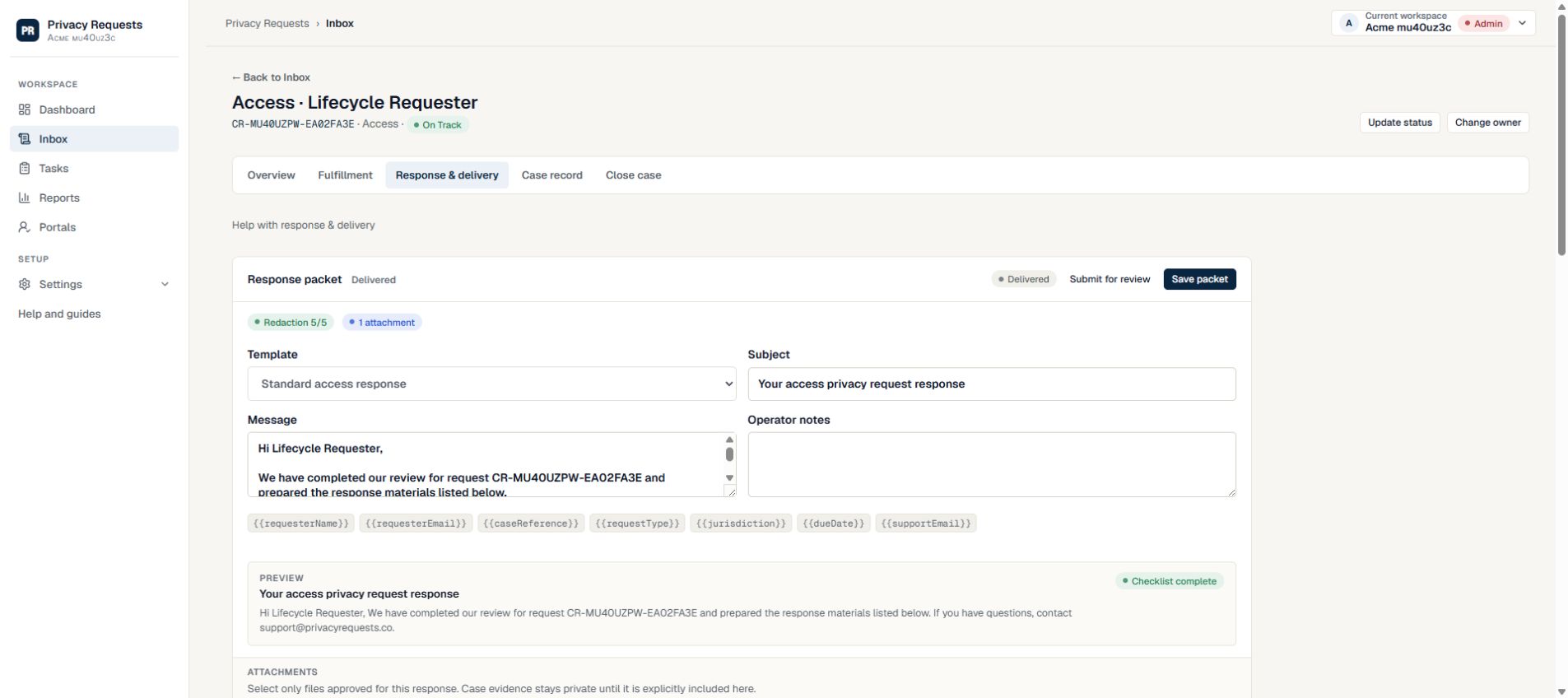
- Can the reviewer see exactly what the requester will receive?
- Can the owner explain the completed record and delivery controls?
04 / Operate
Publish when the people and process are ready
Open the hosted portal as a visitor, check the wording, and confirm the privacy contact address. Then add the link to the places customers already look for privacy help.
| When | What to check | What to keep |
|---|---|---|
| New request | Assign an owner. Review the request, identity steps, scope, and suggested deadline. | The request details and the reasons for handling decisions. |
| During collection | Review open tasks and unanswered follow-ups. Resolve delays while there is time to act. | Findings from each source and any limitations. |
| Before sending | Confirm the response, selected files, reviewer approval, and delivery settings. | The approved response and delivery record. |
| Before closing | Check the outcome and generate the current case export. | A record that another team member can understand later. |
Your next step
Start with one request and a clear owner
Unlimited DSAR volume is included in every plan. Compare the team and workflow features as your process grows.